

Can dead pixels on a VA LCD display be fixed?
Leave a message

Dead pixels on a VA LCD display can be a frustrating issue for users. As a VA LCD display supplier, I've encountered numerous inquiries about whether these dead pixels can be fixed. In this blog post, I'll delve into the nature of dead pixels, explore potential solutions, and provide insights based on my experience in the industry.
Understanding Dead Pixels on VA LCD Displays
Before discussing potential fixes, it's essential to understand what dead pixels are and how they occur in VA LCD displays. VA (Vertical Alignment) LCD technology is known for its high contrast ratios and deep blacks, making it popular in various applications, including monitors, TVs, and industrial displays. However, like any other LCD technology, VA displays are susceptible to dead pixels.
Dead pixels are individual pixels on an LCD screen that fail to function correctly. There are two main types of dead pixels: stuck pixels and true dead pixels. Stuck pixels are pixels that are constantly lit or displaying a single color, while true dead pixels are completely black and do not emit any light.
Dead pixels can occur due to various reasons, including manufacturing defects, physical damage, electrical issues, or aging. During the manufacturing process, impurities or defects in the LCD panel can cause pixels to malfunction. Physical damage, such as dropping or hitting the display, can also damage pixels. Electrical issues, such as power surges or faulty drivers, can disrupt the normal operation of pixels. Additionally, over time, pixels may degrade and become dead due to wear and tear.
Can Dead Pixels on a VA LCD Display Be Fixed?
The answer to whether dead pixels on a VA LCD display can be fixed depends on the type of dead pixel and the severity of the issue. In some cases, stuck pixels can be fixed, while true dead pixels are typically permanent and cannot be repaired.
Fixing Stuck Pixels
Stuck pixels are often caused by a temporary electrical glitch or a blockage in the liquid crystal molecules within the pixel. There are several methods that can be used to attempt to fix stuck pixels:
- Pixel Fixing Software: There are various pixel fixing software programs available that claim to fix stuck pixels. These programs typically work by rapidly changing the color of the affected pixel to try to free up the stuck liquid crystal molecules. Some popular pixel fixing software programs include JScreenFix and Stuck Pixel Buddy.
- Massaging the Screen: Gently massaging the area around the stuck pixel with a soft cloth or your finger can sometimes help to free up the stuck liquid crystal molecules. However, it's important to be very gentle to avoid causing further damage to the display.
- Applying Pressure: Applying gentle pressure to the area around the stuck pixel with a soft object, such as a cotton swab or a pencil eraser, can also sometimes help to fix the issue. Again, it's important to be very gentle to avoid causing damage to the display.
It's important to note that these methods may not work in all cases, and there is no guarantee that they will fix the stuck pixel. Additionally, these methods should only be attempted on displays that are still under warranty or if you are comfortable taking the risk of potentially causing further damage to the display.
Fixing True Dead Pixels
True dead pixels are typically caused by a permanent physical or electrical damage to the pixel, and they cannot be fixed using software or other non-invasive methods. In most cases, the only way to fix true dead pixels is to replace the entire LCD panel. However, this can be a costly and time-consuming process, especially for larger displays.
Preventing Dead Pixels on VA LCD Displays
While it's not always possible to prevent dead pixels from occurring, there are several steps that can be taken to reduce the risk of dead pixels on VA LCD displays:

- Handle the Display with Care: Avoid dropping, hitting, or applying excessive pressure to the display, as this can cause physical damage to the pixels.
- Use a Surge Protector: Using a surge protector can help to protect the display from power surges, which can cause electrical damage to the pixels.
- Keep the Display Clean: Regularly cleaning the display with a soft, dry cloth can help to prevent dust and debris from accumulating on the screen, which can potentially cause damage to the pixels.
- Avoid Overheating: Overheating can cause the pixels to degrade over time, so it's important to keep the display in a well-ventilated area and avoid exposing it to direct sunlight or other sources of heat.
Conclusion
In conclusion, dead pixels on a VA LCD display can be a frustrating issue, but in some cases, stuck pixels can be fixed using software or other non-invasive methods. However, true dead pixels are typically permanent and cannot be repaired, and the only way to fix them is to replace the entire LCD panel. As a VA LCD display supplier, I recommend taking steps to prevent dead pixels from occurring in the first place, such as handling the display with care, using a surge protector, keeping the display clean, and avoiding overheating.
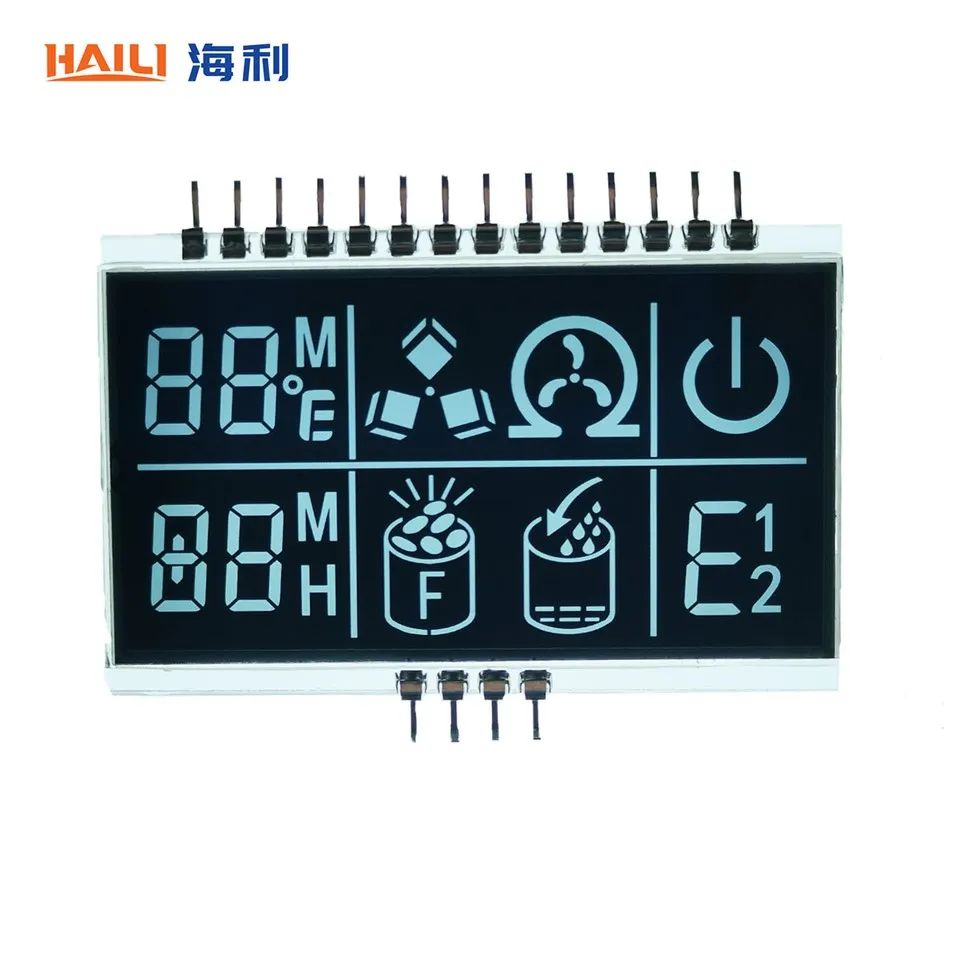
If you're experiencing dead pixels on your VA LCD display and need assistance, please feel free to contact us for more information. We offer a wide range of VA LCD displays, including Negative Transmissive VA LCD Display and Printed VA LCD Display, and our team of experts can help you find the right solution for your needs.
References
- "LCD Display Technology," Wikipedia, https://en.wikipedia.org/wiki/LCD_display_technology
- "Dead Pixel," Wikipedia, https://en.wikipedia.org/wiki/Dead_pixel
- "How to Fix Stuck Pixels on Your Monitor," Lifewire, https://www.lifewire.com/how-to-fix-stuck-pixels-on-your-monitor-2618145


