

How to connect a gyroscope to an LCD module?
Leave a message

Hey there! As an LCD module supplier, I often get asked about how to connect a gyroscope to an LCD module. It might seem a bit tricky at first, but with the right steps, it's actually quite doable. In this blog, I'll walk you through the whole process, from understanding the components to making the actual connections.
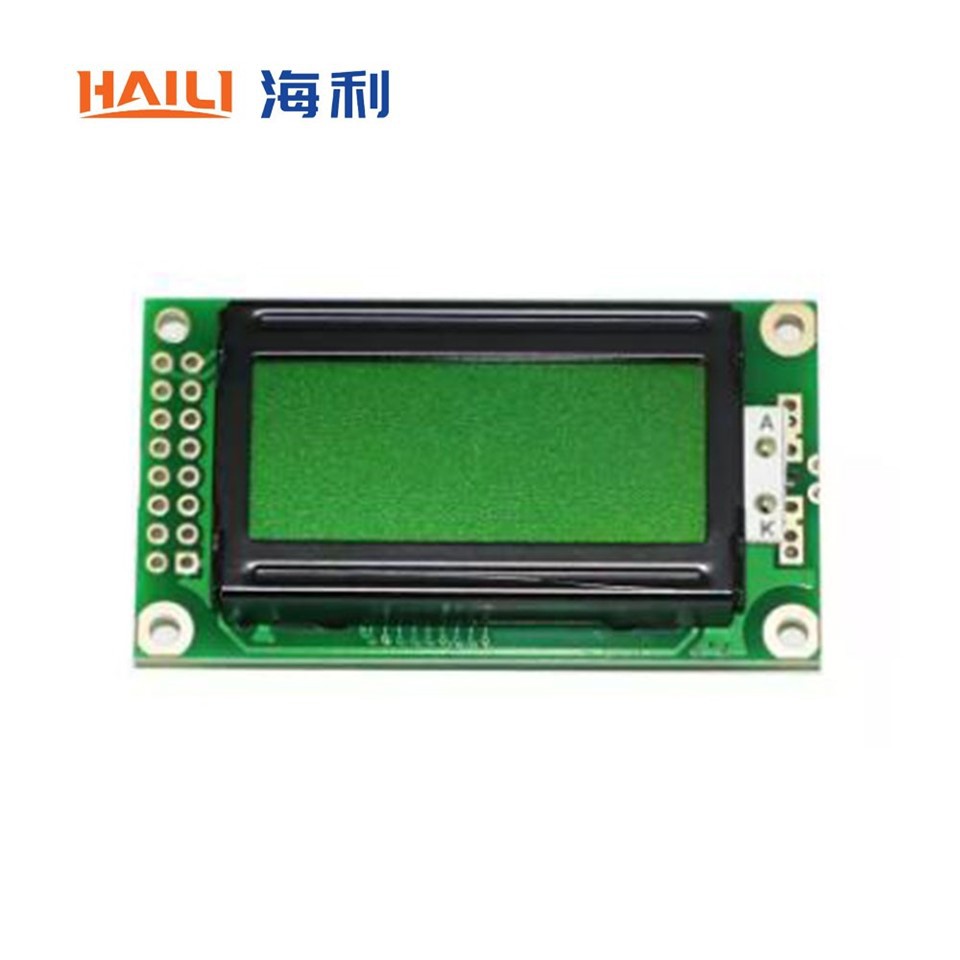
First off, let's talk about what a gyroscope and an LCD module are. A gyroscope is a device that measures or maintains orientation and angular velocity. It's super useful in applications like robotics, drones, and virtual reality. On the other hand, an LCD module is a display device that shows text, numbers, or graphics. We offer a variety of LCD modules, such as the 20x4 Character LCD Module, 8x2 Character LCD Module, and 12864 Character LCD Module. Each of these has its own features and uses, so you can choose the one that suits your project best.
Understanding the Components
Before you start connecting the gyroscope to the LCD module, you need to understand the basic components involved. The gyroscope usually has several pins, including power pins (VCC and GND), data transfer pins (like SDA and SCL for I2C communication), and sometimes an interrupt pin. The LCD module also has its own set of pins, such as power pins, data pins, and control pins.
The power pins are used to supply power to the components. The VCC pin is connected to the positive voltage source, while the GND pin is connected to the ground. The data transfer pins are used to send and receive data between the gyroscope and the microcontroller (which will also be connected to the LCD module). The control pins on the LCD module are used to control the display, such as setting the cursor position and clearing the screen.
Choosing the Right Microcontroller
To connect the gyroscope to the LCD module, you'll need a microcontroller. A microcontroller is a small computer on a single integrated circuit that can be programmed to perform specific tasks. Some popular microcontrollers include the Arduino Uno, Raspberry Pi, and ESP32.
When choosing a microcontroller, you need to consider the following factors:

- Compatibility: Make sure the microcontroller is compatible with both the gyroscope and the LCD module. For example, if the gyroscope uses I2C communication, the microcontroller should support I2C communication as well.
- Processing Power: The microcontroller should have enough processing power to handle the data from the gyroscope and display it on the LCD module.
- Pin Availability: The microcontroller should have enough pins to connect to the gyroscope and the LCD module.
Making the Connections
Once you have chosen the right microcontroller, it's time to make the connections. Here are the general steps:
- Power the Components: Connect the VCC and GND pins of the gyroscope and the LCD module to the power pins of the microcontroller. Make sure to use the correct voltage levels. For example, most gyroscopes and LCD modules operate at 3.3V or 5V.
- Connect the Data Transfer Pins: If the gyroscope uses I2C communication, connect the SDA and SCL pins of the gyroscope to the corresponding pins on the microcontroller. If the LCD module also uses I2C communication, you can use the same SDA and SCL pins. Otherwise, you'll need to connect the data pins of the LCD module to the appropriate pins on the microcontroller.
- Connect the Control Pins (LCD Module): Connect the control pins of the LCD module, such as the RS, E, and RW pins, to the appropriate pins on the microcontroller. These pins are used to control the display.
- Connect the Interrupt Pin (Gyroscope): If the gyroscope has an interrupt pin, connect it to an interrupt-capable pin on the microcontroller. This pin can be used to trigger an interrupt when a specific event occurs, such as a change in the gyroscope's orientation.
Programming the Microcontroller
After making the connections, you need to program the microcontroller to read the data from the gyroscope and display it on the LCD module. Here's a simple example using the Arduino Uno and a gyroscope that uses I2C communication:
#include <Wire.h>
#include <LiquidCrystal_I2C.h>

// Define the I2C address of the gyroscope
const int gyroAddress = 0x68;

// Initialize the LCD module
LiquidCrystal_I2C lcd(0x27, 16, 2);

void setup() {
  // Initialize the serial communication
  Serial.begin(9600);

  // Initialize the I2C communication
  Wire.begin();

  // Initialize the LCD module
  lcd.begin();
  lcd.backlight();
}

void loop() {
  // Read the data from the gyroscope
  Wire.beginTransmission(gyroAddress);
  Wire.write(0x3B); // Start register address
  Wire.endTransmission(false);
  Wire.requestFrom(gyroAddress, 6, true);

  int16_t accelX = Wire.read() << 8 | Wire.read();
  int16_t accelY = Wire.read() << 8 | Wire.read();
  int16_t accelZ = Wire.read() << 8 | Wire.read();

  // Display the data on the LCD module
  lcd.setCursor(0, 0);
  lcd.print("Accel X: ");
  lcd.print(accelX);
  lcd.setCursor(0, 1);
  lcd.print("Accel Y: ");
  lcd.print(accelY);

  // Print the data to the serial monitor
  Serial.print("Accel X: ");
  Serial.print(accelX);
  Serial.print(" Accel Y: ");
  Serial.print(accelY);
  Serial.print(" Accel Z: ");
  Serial.println(accelZ);

  delay(100);
}
This code reads the acceleration data from the gyroscope and displays it on the LCD module. It also prints the data to the serial monitor for debugging purposes.
Troubleshooting
If you encounter any problems during the connection or programming process, here are some common issues and solutions:
- No Power: Check the power connections to make sure the components are getting the correct voltage.
- Data Transfer Issues: Make sure the data transfer pins are connected correctly and the microcontroller is programmed to use the correct communication protocol.
- Display Issues: Check the control pins of the LCD module to make sure they are connected correctly. You may also need to adjust the contrast of the LCD module.
Conclusion
Connecting a gyroscope to an LCD module is a fun and rewarding project. It allows you to display the data from the gyroscope in a visible format, which can be useful in many applications. As an LCD module supplier, we're here to help you with any questions you may have. Whether you need advice on choosing the right LCD module or help with the connection process, feel free to reach out to us. We'd love to assist you in your project and help you find the best solutions for your needs. If you're interested in purchasing our LCD modules, don't hesitate to contact us for further discussions and procurement negotiations.
References
- Arduino Documentation
- Gyroscope Datasheet
- LCD Module Datasheet


