

How to connect multiple 4.3 Inch TFT LCD Displays together?
Leave a message

As a supplier of 4.3 Inch TFT LCD Displays, I often get asked about the possibility and process of connecting multiple 4.3 Inch TFT LCD Displays together. This blog post aims to provide a comprehensive guide on how to achieve this, covering the necessary hardware, software, and steps involved.
Why Connect Multiple 4.3 Inch TFT LCD Displays?
There are several reasons why one might want to connect multiple 4.3 Inch TFT LCD Displays. In industrial applications, it can be used to create a larger display area for monitoring complex processes or systems. For example, in a factory control room, multiple displays can show different aspects of the production line, such as temperature, pressure, and machine status. In the consumer market, it can be used for gaming setups to create a more immersive experience or for home theater systems to expand the viewing area.
Hardware Requirements
1. Display Units
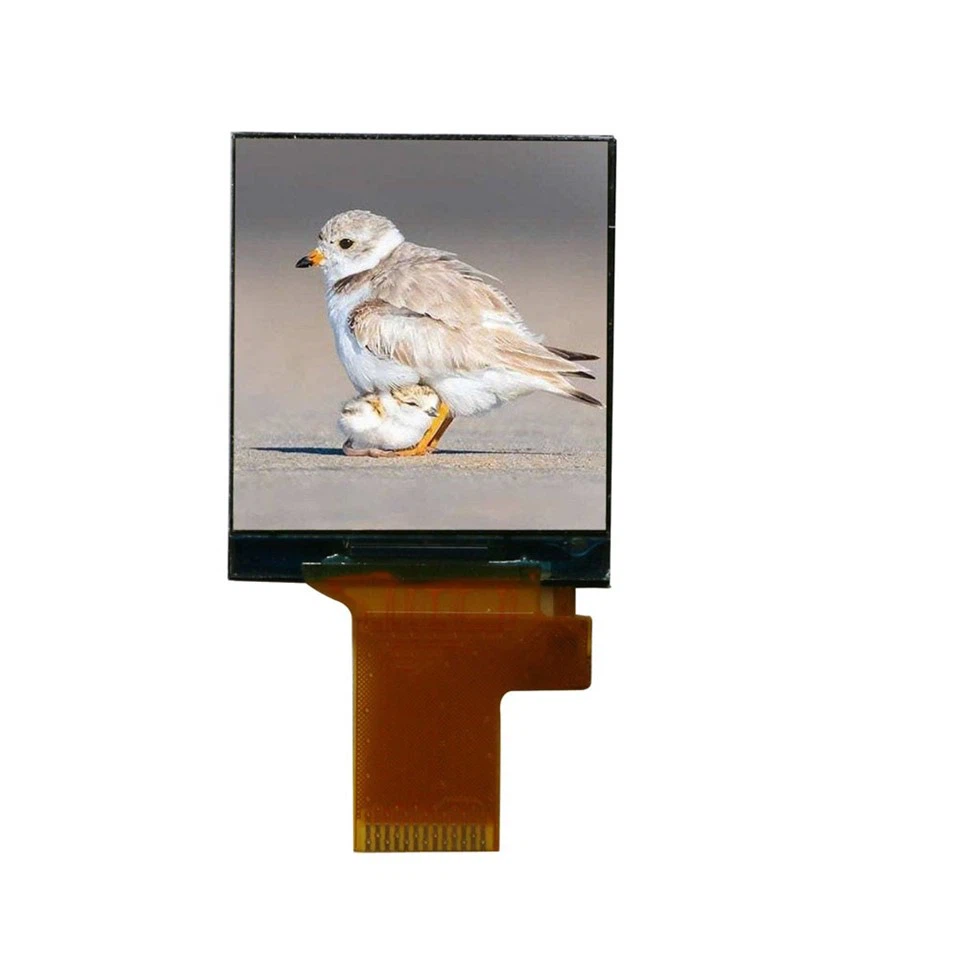
First and foremost, you need multiple 4.3 Inch TFT LCD Displays. As a supplier, I can offer high - quality displays with excellent resolution, brightness, and contrast. Our displays are designed to be reliable and long - lasting, suitable for various applications.
2. Display Controller
A display controller is essential for managing the output to multiple displays. There are different types of display controllers available in the market. Some are designed for specific operating systems, while others are more universal. You need to choose a controller that can support the number of displays you want to connect and the resolution you require.
3. Cables and Connectors
Proper cables and connectors are crucial for a stable connection between the display controller and the TFT LCD Displays. Make sure to use high - quality cables that can transmit data accurately and without interference. The most common types of connectors for 4.3 Inch TFT LCD Displays include HDMI, VGA, and DisplayPort.
4. Power Supply
Each 4.3 Inch TFT LCD Display requires a power supply. You need to ensure that your power supply can provide enough power for all the connected displays. In some cases, you may need to use multiple power supplies or a single high - capacity power supply.
Software Requirements
1. Operating System Support
Most modern operating systems, such as Windows, Linux, and macOS, support multi - display setups. You need to make sure that your operating system is up - to - date and has the necessary drivers installed for the display controller and the TFT LCD Displays.
2. Display Management Software
There are various display management software available that can help you configure and manage multiple displays. These software allow you to adjust the display settings, such as resolution, orientation, and positioning, to create a seamless multi - display experience.

Steps to Connect Multiple 4.3 Inch TFT LCD Displays
1. Prepare the Hardware
- Unpack the 4.3 Inch TFT LCD Displays, display controller, cables, and connectors.
- Mount the displays in the desired location. Make sure they are securely fixed and have enough space for ventilation.
- Connect the power supply to each display.
2. Connect the Displays to the Controller
- Use the appropriate cables to connect each 4.3 Inch TFT LCD Display to the display controller. For example, if your display controller has HDMI ports and your displays support HDMI, use HDMI cables for the connection.
- Ensure that the connections are tight and secure to avoid any signal loss or interference.
3. Install the Display Controller Drivers
- Insert the driver CD that comes with the display controller into your computer's CD - ROM drive. If there is no CD, you can download the latest drivers from the manufacturer's website.
- Follow the installation instructions provided by the driver installer. This may involve restarting your computer after the installation is complete.
4. Configure the Multi - Display Setup
- Open the display settings in your operating system. In Windows, you can right - click on the desktop and select "Display settings". In Linux, the process may vary depending on the desktop environment you are using.
- Use the display management software or the built - in settings to detect the connected displays. The operating system should recognize all the connected 4.3 Inch TFT LCD Displays.
- Adjust the display settings, such as resolution, orientation, and positioning, according to your needs. You can arrange the displays in a horizontal or vertical configuration, or even create a custom layout.
5. Test the Setup
- After configuring the multi - display setup, test it by opening different applications and dragging windows across the displays. Make sure that the image is displayed correctly on all the connected displays.
- Check for any color accuracy issues, dead pixels, or other display problems. If you encounter any issues, refer to the troubleshooting section of the display controller's manual or contact the manufacturer's support.
Troubleshooting
1. Display Not Detected
- Check the cable connections between the display and the controller. Make sure the cables are properly plugged in.
- Try using a different cable or connector to rule out cable issues.
- Update the display controller drivers to the latest version.
2. Poor Image Quality
- Adjust the display settings, such as brightness, contrast, and color temperature, to improve the image quality.
- Check if there are any dead pixels on the display. If so, contact the supplier for a replacement.
- Make sure the display controller can support the resolution and refresh rate you are using.
Other Related Products
In addition to our 4.3 Inch TFT LCD Displays, we also offer a range of other TFT LCD Displays, such as 3.5 Inch TFT LCD Display, 3.95 Inch TFT LCD Display, and 1.44 Inch TFT LCD Display. These displays are also of high quality and can be used in various applications.
Conclusion
Connecting multiple 4.3 Inch TFT LCD Displays together can be a great way to create a larger and more immersive display area. By following the steps outlined in this blog post and ensuring that you have the right hardware and software, you can achieve a successful multi - display setup.
If you are interested in purchasing our 4.3 Inch TFT LCD Displays or have any questions about connecting multiple displays, please feel free to contact us for a purchase negotiation. We are committed to providing you with the best products and services.
References
- "TFT LCD Display Technology Handbook" by Display Technology Publishing
- Manufacturer's manuals for display controllers and 4.3 Inch TFT LCD Displays


