

How to enhance the color accuracy of a 2 Inch TFT LCD Display?
Leave a message

Hey there! As a supplier of 2 Inch TFT LCD Displays, I've had my fair share of experiences dealing with color accuracy issues. It's a topic that many of my customers are concerned about, and rightfully so. After all, a display with poor color accuracy can really ruin the viewing experience. So, in this blog post, I'm gonna share some tips on how to enhance the color accuracy of a 2 Inch TFT LCD Display.
Understanding Color Accuracy
Before we dive into the tips, let's first understand what color accuracy means. Color accuracy refers to how closely the colors on a display match the actual colors of the original image or video. A display with high color accuracy will reproduce colors that are vibrant, true-to-life, and free from color distortion. On the other hand, a display with poor color accuracy may show colors that are too dull, too bright, or have a color cast.
Factors Affecting Color Accuracy
There are several factors that can affect the color accuracy of a 2 Inch TFT LCD Display. These include:
- Backlighting: The type and quality of the backlighting can have a significant impact on color accuracy. For example, displays with a white LED backlight tend to have better color accuracy than those with a cold cathode fluorescent lamp (CCFL) backlight.
- Color Gamut: The color gamut refers to the range of colors that a display can reproduce. A display with a wider color gamut can reproduce more colors, which can result in more vibrant and accurate colors.
- Color Depth: The color depth refers to the number of colors that a display can display at any given time. A display with a higher color depth can display more colors, which can result in smoother color transitions and more accurate color reproduction.
- Calibration: Calibration is the process of adjusting the settings of a display to ensure that it reproduces colors accurately. A display that has been properly calibrated will have better color accuracy than one that has not.
Tips to Enhance Color Accuracy
Now that we understand the factors that affect color accuracy, let's take a look at some tips on how to enhance the color accuracy of a 2 Inch TFT LCD Display.
1. Choose a Display with a High-Quality Backlight
As mentioned earlier, the type and quality of the backlighting can have a significant impact on color accuracy. When choosing a 2 Inch TFT LCD Display, look for one that has a white LED backlight. White LED backlights are more energy-efficient, have a longer lifespan, and provide better color accuracy than CCFL backlights.
2. Look for a Display with a Wide Color Gamut
A display with a wide color gamut can reproduce more colors, which can result in more vibrant and accurate colors. When choosing a 2 Inch TFT LCD Display, look for one that has a color gamut of at least 90% of the sRGB color space. The sRGB color space is the most common color space used for digital images and videos, so a display with a wide sRGB color gamut will be able to reproduce colors accurately.

3. Opt for a Display with a High Color Depth
A display with a high color depth can display more colors, which can result in smoother color transitions and more accurate color reproduction. When choosing a 2 Inch TFT LCD Display, look for one that has a color depth of at least 24 bits per pixel (bpp). A 24 bpp display can display over 16 million colors, which is more than enough for most applications.
4. Calibrate the Display
Calibration is the process of adjusting the settings of a display to ensure that it reproduces colors accurately. There are several ways to calibrate a 2 Inch TFT LCD Display, including using a calibration tool or software. If you're not comfortable calibrating the display yourself, you can also have it calibrated by a professional.
5. Use the Right Display Settings
The display settings can also have a significant impact on color accuracy. When using a 2 Inch TFT LCD Display, make sure to use the recommended display settings for your device. These settings can usually be found in the device's user manual or on the manufacturer's website.
6. Avoid Using Low-Quality Cables
The quality of the cables used to connect the display to the device can also affect color accuracy. When using a 2 Inch TFT LCD Display, make sure to use high-quality cables that are designed for the specific type of display and device you're using. Low-quality cables can cause signal loss, which can result in poor color accuracy.
Other Considerations
In addition to the tips mentioned above, there are also a few other considerations to keep in mind when trying to enhance the color accuracy of a 2 Inch TFT LCD Display. These include:
- Viewing Angle: The viewing angle of a display can also affect color accuracy. When viewing a 2 Inch TFT LCD Display, make sure to view it from the front or at a slight angle. Viewing the display from a steep angle can cause the colors to appear washed out or distorted.
- Ambient Lighting: The ambient lighting in the room can also affect color accuracy. When using a 2 Inch TFT LCD Display, make sure to use it in a well-lit room or adjust the display settings to compensate for the ambient lighting.
Conclusion
Enhancing the color accuracy of a 2 Inch TFT LCD Display is not rocket science. By following the tips and considerations mentioned in this blog post, you can significantly improve the color accuracy of your display and enjoy a more vibrant and accurate viewing experience.
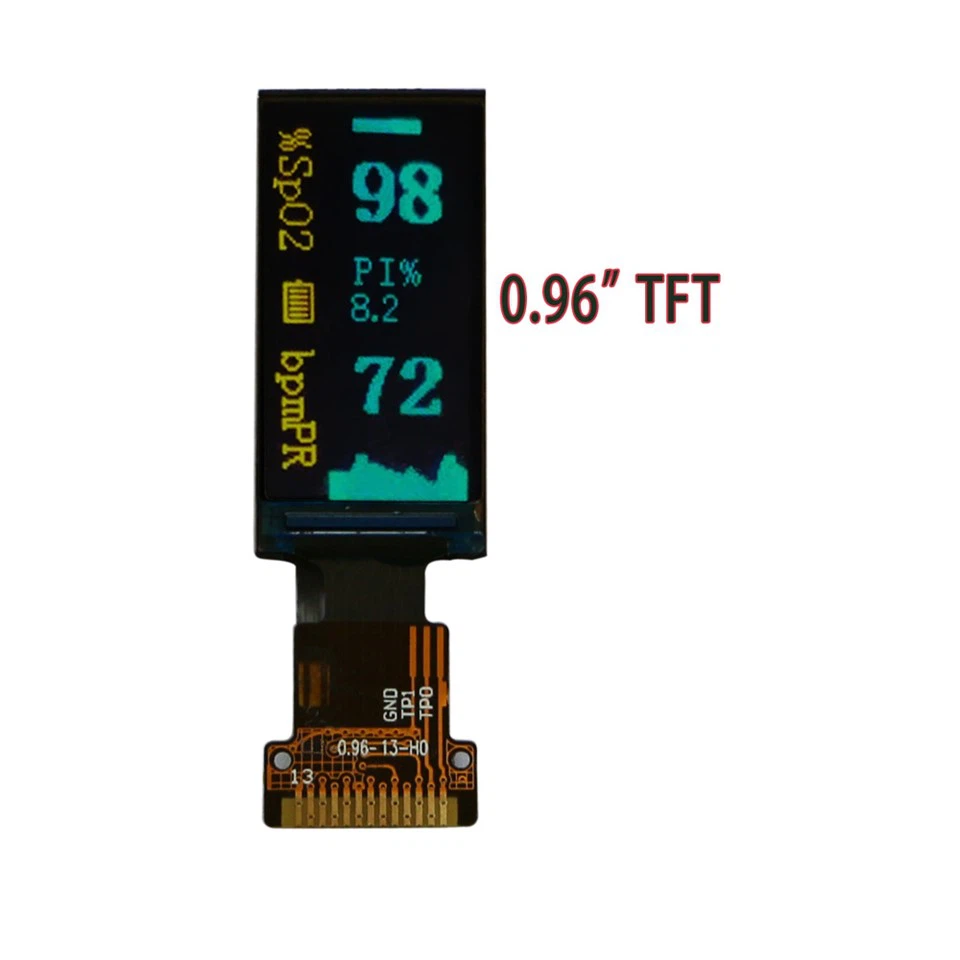
If you're in the market for a 2 Inch TFT LCD Display, be sure to check out our other products, such as the 1.14 Inch TFT LCD Display, 1.44 Inch TFT LCD Display, and 0.96 Inch TFT LCD Display. We offer high-quality displays at competitive prices, and we're always happy to help you find the right display for your needs.
If you have any questions or would like to discuss your specific requirements, please don't hesitate to contact us. We're here to help you make the most of your display and ensure that you get the best possible color accuracy.
References
- "Color Accuracy: What It Is and Why It Matters." DisplayMate Technologies, 2023.
- "How to Calibrate Your Monitor for Accurate Colors." PCMag, 2023.
- "The Best TFT LCD Displays for Your Project." Make: Magazine, 2023.


