

How to reduce ghosting on a VA LCD display?
Leave a message

Hey there! As a supplier of VA LCD displays, I've heard a lot of concerns from customers about ghosting issues. Ghosting on a VA LCD display can be a real pain, making your visuals look blurry and less sharp. But don't worry, I'm here to share some tips on how to reduce ghosting on a VA LCD display.
Understanding What Ghosting Is
First things first, let's talk about what ghosting actually is. Ghosting occurs when an image or part of an image lingers on the screen after it has moved or changed. You might notice it when watching fast - moving scenes in a movie, playing action - packed games, or even when scrolling through web pages quickly. It's like a faint shadow of the previous image following the new one.
In VA LCD displays, ghosting is mainly caused by the relatively slow response time of the liquid crystals. VA (Vertical Alignment) technology is great for providing high contrast ratios, but the crystals take a bit longer to switch between different states compared to some other display technologies.
Adjusting Display Settings
One of the easiest ways to reduce ghosting is by adjusting the display settings. Most VA LCD displays come with a variety of built - in settings that you can tweak to improve the situation.
Response Time Setting
The response time setting is crucial. Many displays allow you to choose between different response time modes, such as "Fast", "Normal", and "Slow". Selecting a faster response time can help the liquid crystals change states more quickly, reducing the chances of ghosting. However, be careful because setting it too fast might introduce other issues like overshoot, which can make the image look a bit strange with color fringes around the edges.
Refresh Rate
Another important setting is the refresh rate. The refresh rate determines how many times per second the display updates the image. A higher refresh rate means the display can show new images more frequently, reducing the likelihood of ghosting. For example, a display with a 120Hz refresh rate updates the image 120 times per second, compared to a 60Hz display which only updates 60 times per second. So, if your VA LCD display supports it, try increasing the refresh rate.
Environmental Factors
Believe it or not, the environment where you use your VA LCD display can also affect ghosting.
Temperature
Liquid crystals are sensitive to temperature. In colder temperatures, they move more slowly, which can increase the likelihood of ghosting. If you're using your display in a cold room, try warming up the area a bit. You can also let the display run for a while to generate some heat on its own. On the other hand, extremely high temperatures can also cause problems, so try to keep the display in a moderately - tempered environment.
Lighting
Ambient lighting can play a role in how noticeable ghosting is. Harsh, direct light can make ghosting more apparent, while soft, diffused light can make it less so. Try to position your display away from direct sunlight or bright artificial light sources. You can also use anti - glare filters to reduce the reflection of light on the screen, which can in turn make ghosting less noticeable.

Hardware Upgrades
If adjusting the settings and optimizing the environment don't do the trick, you might want to consider some hardware upgrades.
Upgrading the Graphics Card
A powerful graphics card can help your VA LCD display perform better. It can handle complex graphics more efficiently and deliver smoother frame rates. When your display is getting a steady stream of high - quality frames, the chances of ghosting are reduced. Make sure your graphics card is compatible with your display and has enough power to drive it at its optimal settings.
Using a Display with a Faster Response Time
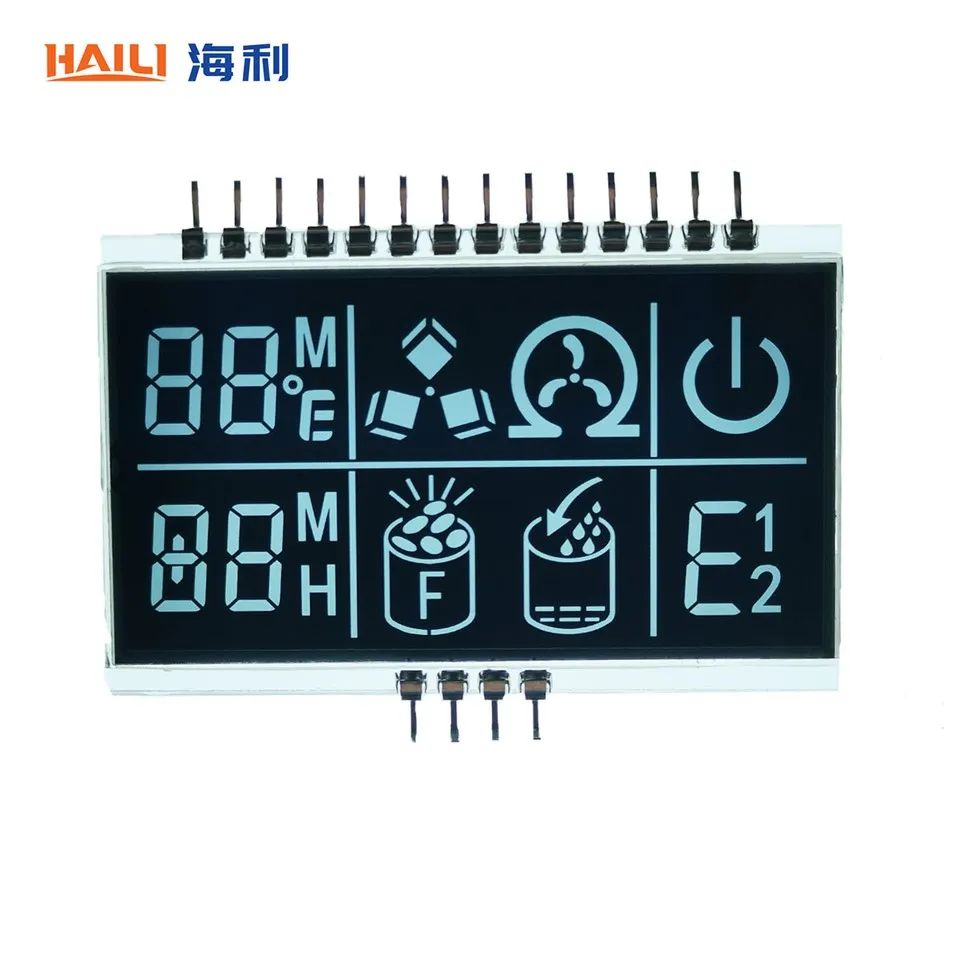
If you're still having trouble with ghosting, it might be time to consider upgrading to a VA LCD display with a faster response time. There are some newer models on the market that have made significant improvements in this area. For example, you can check out our Printed VA LCD Display and Negative Transmissive VA LCD Display, which are designed to offer better performance and less ghosting.
Maintenance and Care
Proper maintenance and care of your VA LCD display can also help reduce ghosting over time.
Cleaning the Screen
Regularly cleaning the screen can prevent dust and dirt from accumulating, which can interfere with the display's performance. Use a soft, lint - free cloth and a mild cleaning solution specifically designed for LCD screens. Avoid using abrasive materials or harsh chemicals, as they can damage the screen.
Avoiding Burn - In
Burn - in can also contribute to ghosting - like effects. Try not to leave static images on the screen for extended periods. If you're using your display for tasks that involve static elements, such as a desktop with icons, use a screensaver or change the screen layout periodically.
Conclusion
Reducing ghosting on a VA LCD display is a multi - faceted process. By adjusting the display settings, considering environmental factors, upgrading hardware if necessary, and taking good care of your display, you can significantly improve the viewing experience.
If you're still facing issues with ghosting or are interested in our VA LCD displays, we'd love to have a chat with you. Whether you're a small business looking for a reliable display solution or an individual in need of a high - quality screen, we can help. Reach out to us to discuss your requirements and let's work together to find the perfect VA LCD display for you.
References
- "LCD Technology Handbook" by some well - known experts in the field.
- Various online forums and communities where users share their experiences with VA LCD displays and ghosting issues.


