

What cleaning agents can be used to clean a Segment COG LCD Display?
Leave a message

As a supplier of Segment COG LCD Displays, I often receive inquiries from customers about the proper cleaning agents to use for these delicate displays. In this blog post, I'll share some insights on the types of cleaning agents that are safe and effective for cleaning Segment COG LCD Displays, as well as some best practices to ensure the longevity and optimal performance of your displays.
Understanding Segment COG LCD Displays
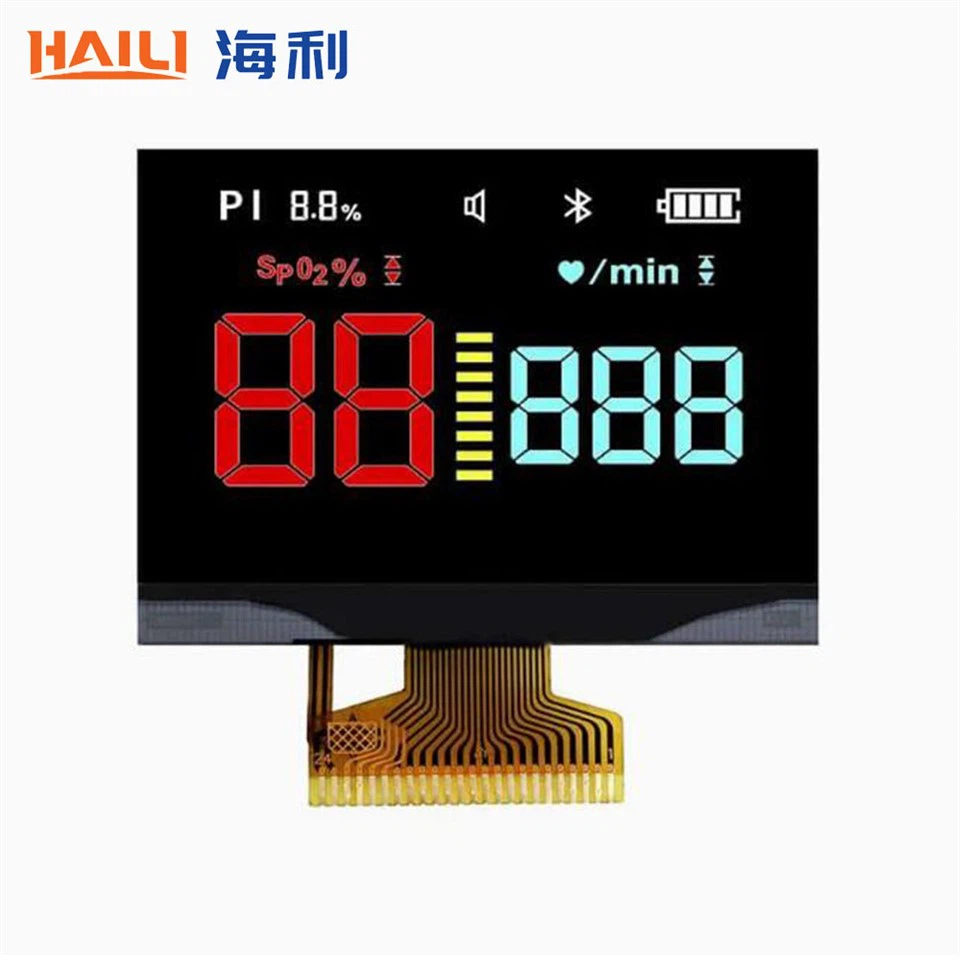
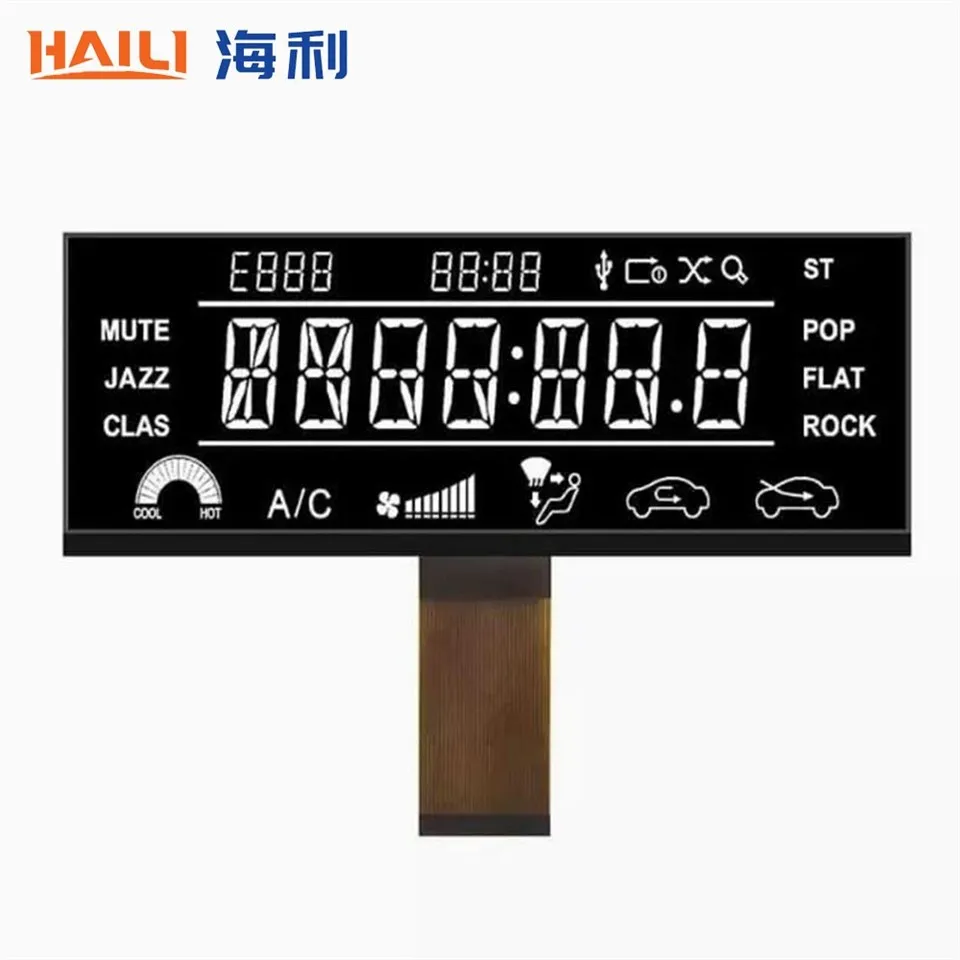
Before we delve into the cleaning agents, let's briefly understand what Segment COG LCD Displays are. Segment COG LCD Display is a type of liquid crystal display that uses a chip-on-glass (COG) technology. This technology directly attaches the integrated circuit chip to the glass substrate of the LCD, resulting in a more compact and efficient display design. These displays are commonly used in various applications, including consumer electronics, industrial equipment, and automotive dashboards.
Importance of Proper Cleaning
Proper cleaning of Segment COG LCD Displays is crucial for maintaining their visual clarity and functionality. Over time, dust, fingerprints, and other contaminants can accumulate on the display surface, which can degrade the image quality and make it difficult to read the information. Additionally, improper cleaning can cause damage to the delicate display surface, such as scratches or chemical corrosion, which can lead to permanent damage and reduce the lifespan of the display.
Safe Cleaning Agents for Segment COG LCD Displays
When it comes to cleaning Segment COG LCD Displays, it's important to use cleaning agents that are safe and gentle on the display surface. Here are some recommended cleaning agents:
Distilled Water
Distilled water is one of the safest and most effective cleaning agents for Segment COG LCD Displays. It is free from impurities and minerals that can leave behind streaks or residues on the display surface. To clean the display with distilled water, simply moisten a soft, lint-free microfiber cloth with a small amount of distilled water and gently wipe the display surface in a circular motion. Avoid using excessive water, as this can seep into the display and cause damage.
Isopropyl Alcohol (IPA)
Isopropyl alcohol, also known as rubbing alcohol, is another commonly used cleaning agent for LCD displays. It is effective at removing stubborn stains, fingerprints, and grease from the display surface. However, it's important to use a diluted solution of IPA to avoid damaging the display. A recommended ratio is 70% IPA and 30% distilled water. Moisten a soft, lint-free microfiber cloth with the diluted IPA solution and gently wipe the display surface. Make sure to wring out the cloth thoroughly before wiping the display to prevent excessive moisture from getting into the display.
LCD Cleaning Solutions
There are also commercially available LCD cleaning solutions specifically formulated for cleaning LCD displays. These solutions are designed to be safe and gentle on the display surface while effectively removing dirt, dust, and fingerprints. When using an LCD cleaning solution, follow the manufacturer's instructions carefully. Typically, you'll need to spray a small amount of the solution onto a soft, lint-free microfiber cloth and then gently wipe the display surface.
Cleaning Best Practices
In addition to using the right cleaning agents, it's important to follow some best practices when cleaning Segment COG LCD Displays:
- Turn off the display: Before cleaning the display, make sure to turn it off and unplug it from the power source to avoid any electrical hazards.
- Use a soft, lint-free cloth: Always use a soft, lint-free microfiber cloth to clean the display surface. Avoid using paper towels, tissues, or abrasive materials, as these can scratch the display surface.
- Gently wipe the display: When wiping the display surface, use a gentle circular motion to avoid applying too much pressure. Avoid rubbing the display vigorously, as this can cause damage to the display surface.
- Avoid spraying the cleaning agent directly on the display: Instead of spraying the cleaning agent directly on the display, spray it onto the cloth first to prevent excessive moisture from getting into the display.
- Dry the display thoroughly: After cleaning the display, make sure to dry it thoroughly with a clean, dry microfiber cloth to prevent any moisture from remaining on the display surface.
Other Considerations
In addition to the cleaning agents and best practices mentioned above, there are a few other considerations to keep in mind when cleaning Segment COG LCD Displays:
- Avoid using harsh chemicals: Harsh chemicals, such as ammonia, bleach, or abrasive cleaners, can damage the display surface and should be avoided.
- Clean the display regularly: To maintain the visual clarity and functionality of the display, it's recommended to clean it regularly. How often you clean the display will depend on the environment in which it is used. In a dusty or dirty environment, you may need to clean the display more frequently.
- Handle the display with care: When handling the display, make sure to hold it by the edges and avoid touching the display surface with your fingers. Fingerprints and oils from your fingers can leave behind smudges and stains on the display surface.
Conclusion
Proper cleaning of Segment COG LCD Displays is essential for maintaining their visual clarity and functionality. By using the right cleaning agents and following the best practices outlined in this blog post, you can ensure that your displays remain in optimal condition for years to come. If you have any further questions or need more information about cleaning Segment COG LCD Displays, please feel free to contact us. We're here to help you with all your display needs.
References
- "LCD Cleaning Guide," Samsung Electronics Co., Ltd.
- "How to Clean an LCD Screen," Lifewire.
- "Cleaning LCD Displays: Best Practices and Tips," DisplayMate Technologies.


