

How to adjust the settings of an LED backlight?
Leave a message

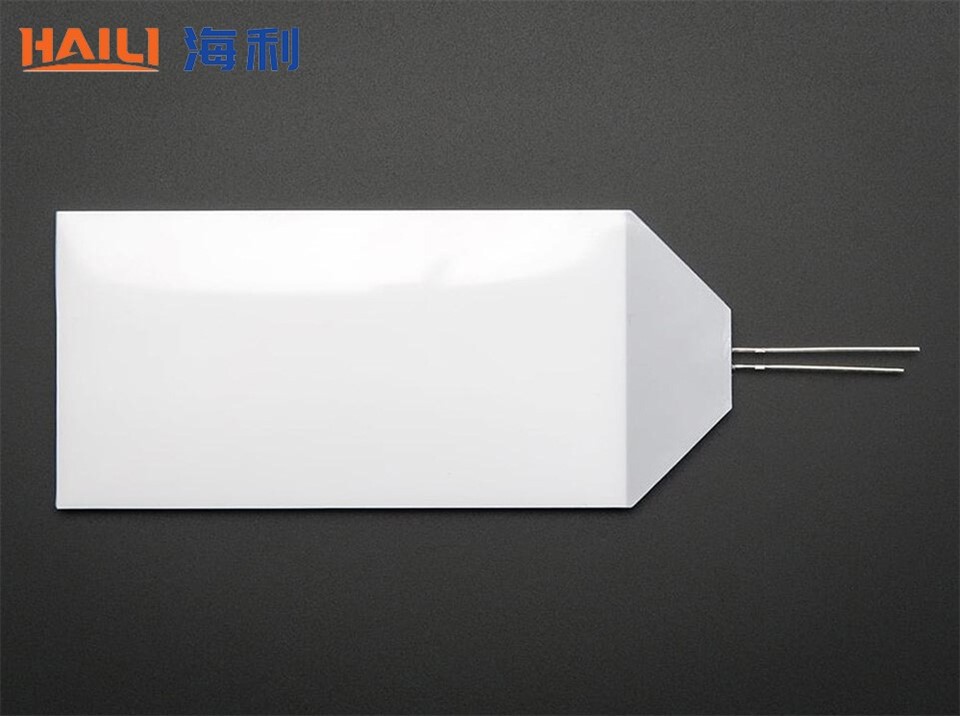
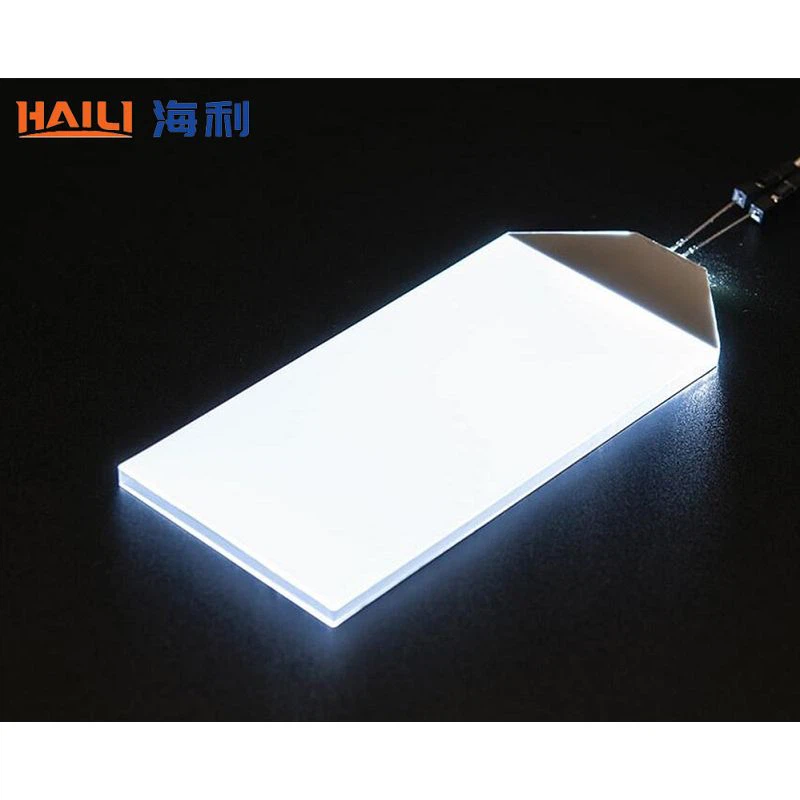
Hey there! As a supplier of LED backlights, I've seen firsthand how important it is to get the settings right. Whether you're using an LED backlight for a LCD Backlight or a LED Backlight with Fluorescent Colors, adjusting the settings can make a huge difference in the overall performance and visual experience. In this blog post, I'm going to share some tips on how to adjust the settings of an LED backlight.
Understanding the Basics of LED Backlight Settings
Before we dive into the actual adjustment process, let's first understand the basic settings that you can typically control on an LED backlight. These settings usually include:
- Brightness: This is probably the most straightforward setting. It determines how bright the backlight is. You can increase the brightness to make the display more visible in bright environments or decrease it for a more comfortable viewing experience in low - light conditions.
- Contrast: Contrast refers to the difference between the brightest whites and the darkest blacks on the display. A higher contrast ratio makes the image look more vivid and sharp, while a lower contrast can make the image appear washed - out.
- Color Temperature: Color temperature is measured in Kelvin (K). A lower color temperature (around 2700K - 3000K) gives a warm, yellowish light, similar to incandescent bulbs. A higher color temperature (around 5000K - 6500K) produces a cool, bluish - white light, which is often preferred for a more "daylight" look.
- Gamma: Gamma controls the mid - tone brightness of the image. Adjusting the gamma can help to correct the overall brightness and contrast balance, especially in images with a wide range of light and dark areas.
Step - by - Step Guide to Adjusting LED Backlight Settings
1. Find the Control Panel
The first step is to locate the control panel for your LED backlight. This could be a physical button panel on the back or side of the display, or it could be accessed through the on - screen menu (OSD). Some modern LED backlights can also be controlled via a mobile app.
2. Adjust the Brightness
Start by adjusting the brightness. If you're using the backlight in a well - lit room, you might want to increase the brightness. On the other hand, if you're in a dark room, a lower brightness setting will be more comfortable for your eyes. You can usually use the up and down arrows on the control panel to make the adjustments. Try different brightness levels until you find the one that suits your environment and personal preference.
3. Fine - Tune the Contrast
After setting the brightness, it's time to work on the contrast. A good way to test the contrast is to look at an image or video with a mix of light and dark elements. Increase the contrast until the whites are bright and the blacks are deep, but be careful not to overdo it. If the contrast is too high, you might lose details in the bright and dark areas of the image.
4. Set the Color Temperature
The color temperature setting can have a big impact on how colors are perceived on the display. If you're using the backlight for general viewing, a color temperature of around 5000K - 6500K is a good starting point. However, if you're working on tasks that require accurate color representation, such as graphic design or photo editing, you might need to adjust the color temperature more precisely. Some displays even offer presets like "Warm", "Cool", and "Neutral" to make it easier to choose the right color temperature.
5. Adjust the Gamma
Adjusting the gamma can be a bit more tricky, but it's worth the effort. If the mid - tones of your image look too dark or too light, adjusting the gamma can help to correct this. You can use test images with a gray scale to fine - tune the gamma. Increase or decrease the gamma value until the gray tones look natural and evenly distributed.
Troubleshooting Common Issues
Sometimes, even after adjusting the settings, you might still encounter some issues. Here are some common problems and how to fix them:
- Flickering: If the backlight is flickering, it could be due to a loose connection, a faulty power supply, or incorrect settings. Check the cables to make sure they're properly connected. If the problem persists, try reducing the brightness or changing the refresh rate of the display.
- Color Inconsistencies: If the colors on the display don't look right, it could be a problem with the color temperature or calibration. Try resetting the color settings to the default values and then make the adjustments again. You might also need to calibrate the display using a color calibration tool.
- Uneven Backlighting: Uneven backlighting, also known as "clouding" or "bleeding", can occur when the backlight is not evenly distributed across the display. This is often a hardware issue, but you can try adjusting the brightness and contrast to minimize the effect. In some cases, you might need to contact the manufacturer for a replacement.
Why Professional Calibration Can Be Beneficial
While you can make basic adjustments to the LED backlight settings on your own, professional calibration can offer even better results. Professional calibrators use specialized equipment to measure and adjust the display settings with high precision. This can ensure that the colors are accurate, the contrast is optimal, and the overall image quality is top - notch. If you're using the backlight for professional purposes, such as in a studio or an office environment, investing in professional calibration is definitely worth considering.
Conclusion
Adjusting the settings of an LED backlight is not as complicated as it might seem. By following the steps outlined in this blog post, you can optimize the performance of your backlight and enjoy a better visual experience. Whether you're using the backlight for entertainment, work, or any other purpose, getting the settings right is crucial.
If you're in the market for a high - quality LED backlight or need more advice on adjusting the settings, don't hesitate to reach out. We're here to help you find the perfect backlight solution for your needs and ensure that you get the most out of it. Contact us today to start a conversation about your LED backlight requirements!
References
- "LED Backlight Technology: A Comprehensive Guide" - Industry publication
- "Display Calibration for Beginners" - Online resource
- Personal experience as an LED backlight supplier


