

What is the digit arrangement of a Segment LCD Module?
Leave a message

Hey there! As a supplier of Segment LCD Modules, I often get asked about the digit arrangement of these nifty little displays. So, let's dive right in and break it down.
First off, what exactly is a Segment LCD Module? Well, it's a type of liquid crystal display that uses segments to form numbers, letters, and simple symbols. You've probably seen them in things like digital watches, calculators, and microwave ovens. They're super common because they're easy to read and relatively inexpensive to produce.
Now, let's talk about digit arrangement. The way the segments are arranged in a Segment LCD Module is crucial because it determines what characters and symbols can be displayed. The most common digit arrangement is the 7-segment display. As the name suggests, it consists of seven segments, usually labeled A through G, arranged in a way that can form all the numbers from 0 to 9, as well as some letters.
Here's how it works. Each segment is a small, rectangular piece of the display that can be turned on or off independently. When you want to display a number, you activate the appropriate segments to form the shape of that number. For example, to display the number 8, you turn on all seven segments. To display the number 1, you only turn on segments B and C.
But 7-segment displays aren't the only game in town. There are also 14-segment and 16-segment displays, which can display a wider range of characters, including lowercase letters and some special symbols. These displays are a bit more complex because they have more segments to control, but they offer more flexibility in terms of what you can show.
In addition to the number of segments, the digit arrangement also depends on the size and shape of the display. Some Segment LCD Modules are designed to display a single digit, while others can display multiple digits side by side. And some displays are rectangular, while others are square or circular.
Another important factor to consider is the way the segments are connected to the driver circuit. The driver circuit is what controls which segments are turned on and off, and it needs to be able to communicate with each segment effectively. There are different ways to connect the segments to the driver circuit, including direct connection, multiplexing, and serial communication.
Direct connection is the simplest method, where each segment is connected directly to a pin on the driver circuit. This method is easy to implement, but it requires a lot of pins, which can be a problem for larger displays. Multiplexing is a more efficient method, where the segments are grouped together and shared among multiple digits. This reduces the number of pins needed, but it also requires more complex circuitry to control the segments. Serial communication is a method where the segments are controlled using a serial data stream, which is sent to the driver circuit. This method is the most efficient in terms of pin usage, but it also requires the most complex circuitry to implement.
So, how do you choose the right digit arrangement for your application? Well, it depends on a few factors, including the type of characters and symbols you need to display, the size and shape of the display, and the available space for the driver circuit. If you only need to display numbers, a 7-segment display is probably the way to go. If you need to display letters and special symbols, you'll need a 14-segment or 16-segment display. And if you're working with a limited amount of space, you might want to consider a multiplexed or serial communication display.
At our company, we offer a wide range of Segment LCD Modules with different digit arrangements to meet the needs of our customers. Whether you're looking for a simple 7-segment display for a calculator or a more complex 16-segment display for a industrial control panel, we've got you covered.
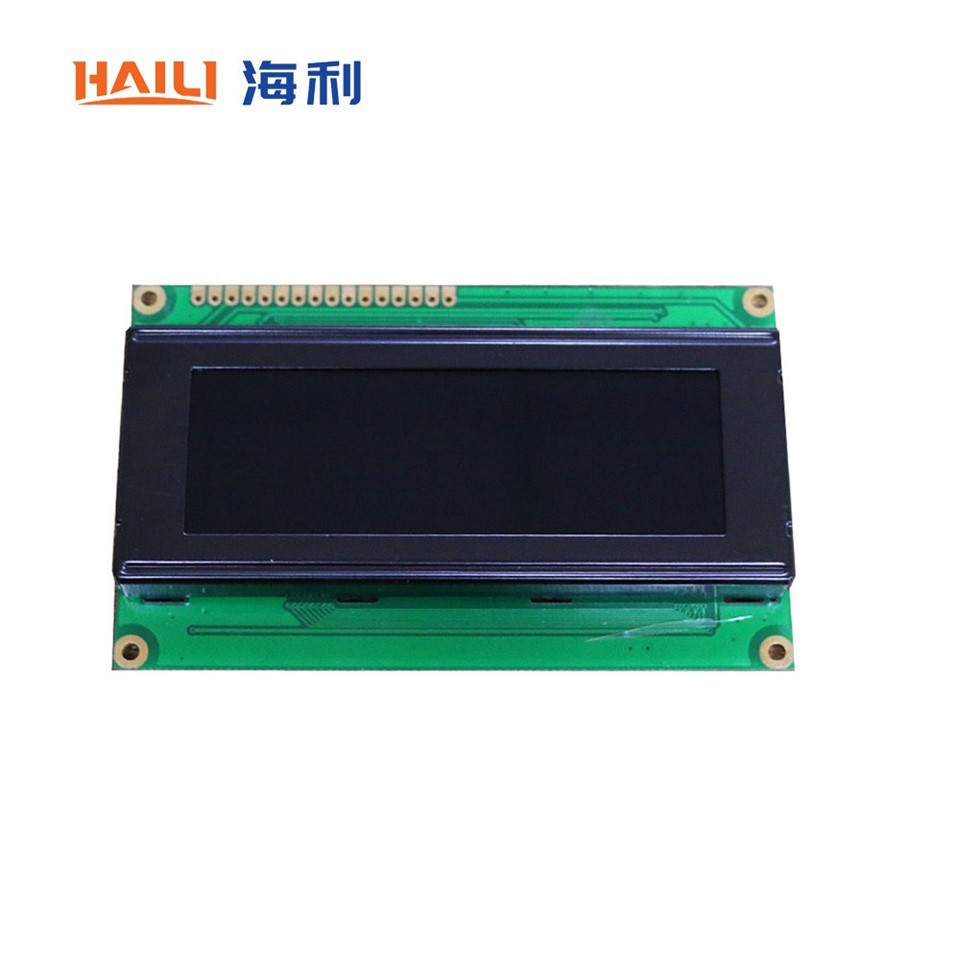
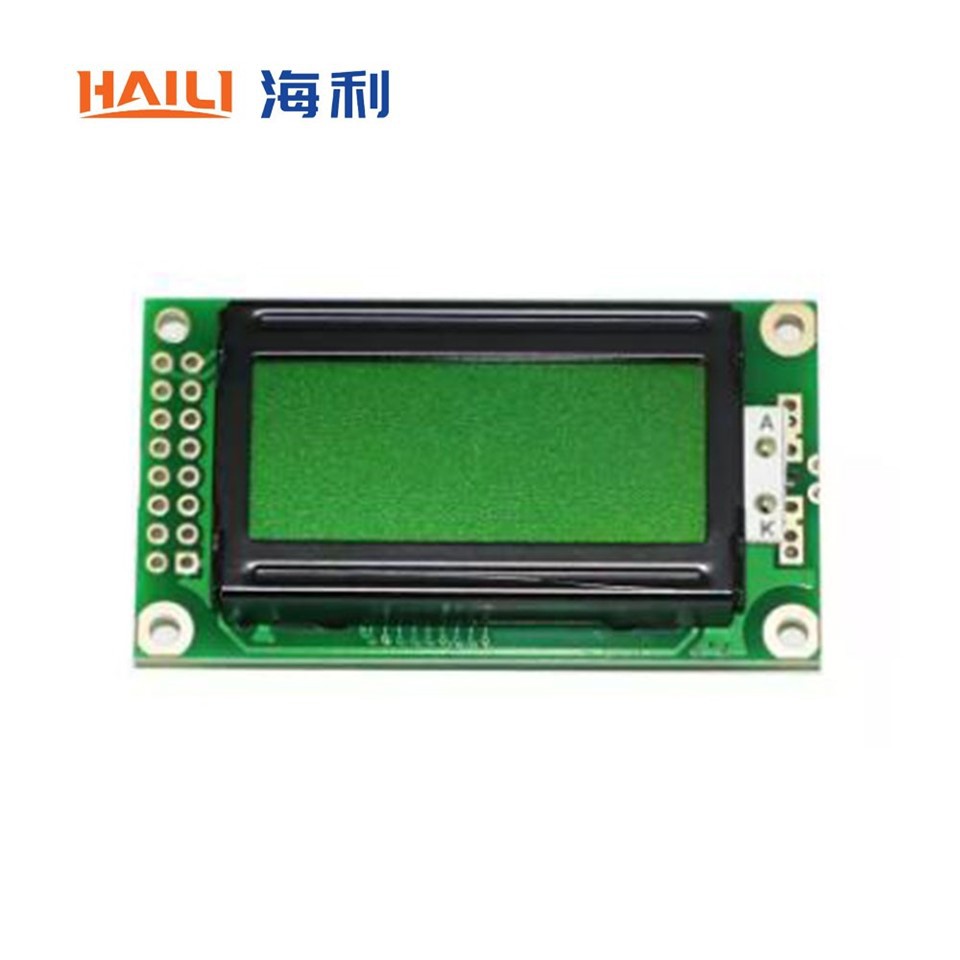
For example, we have the 8x2 Character LCD Module, which is a great choice for applications where you need to display a small amount of text. It has two rows of eight characters each, and it uses a 5x7 dot matrix to display the characters. We also have the 20x4 Character LCD Module, which is a larger display that can show four rows of twenty characters each. And if you're looking for a classic display, we offer the 16x2 Character LCD Module, which is a popular choice for many applications.
In conclusion, the digit arrangement of a Segment LCD Module is an important factor to consider when choosing a display for your application. It determines what characters and symbols can be displayed, as well as the complexity of the driver circuit. By understanding the different types of digit arrangements and how they work, you can choose the right display for your needs.
If you're interested in learning more about our Segment LCD Modules or have any questions about digit arrangement, please don't hesitate to contact us. We're here to help you find the perfect display for your project.
References
- "Liquid Crystal Displays: Addressing Schemes and Electro-optical Effects" by E. Kaneko
- "LCD Displays: Principles and Applications" by S. M. Sze


